
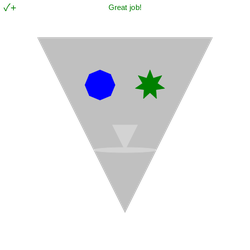
STEP 16: Let's add some action. We'll use an event, so the action will happen every time the user presses enter!
An event in Codesters is a block of code that will only run when a certain action happens.
- From add Enter Key. Notice that the event contains one line of indented ····¬ code.
- Look at the indented code. Before .turn_right(), change sprite to eye1.
- Run your code and press the enter key. Watch what happens!
To navigate the page using the TAB key, first press ESC to exit the code editor.


